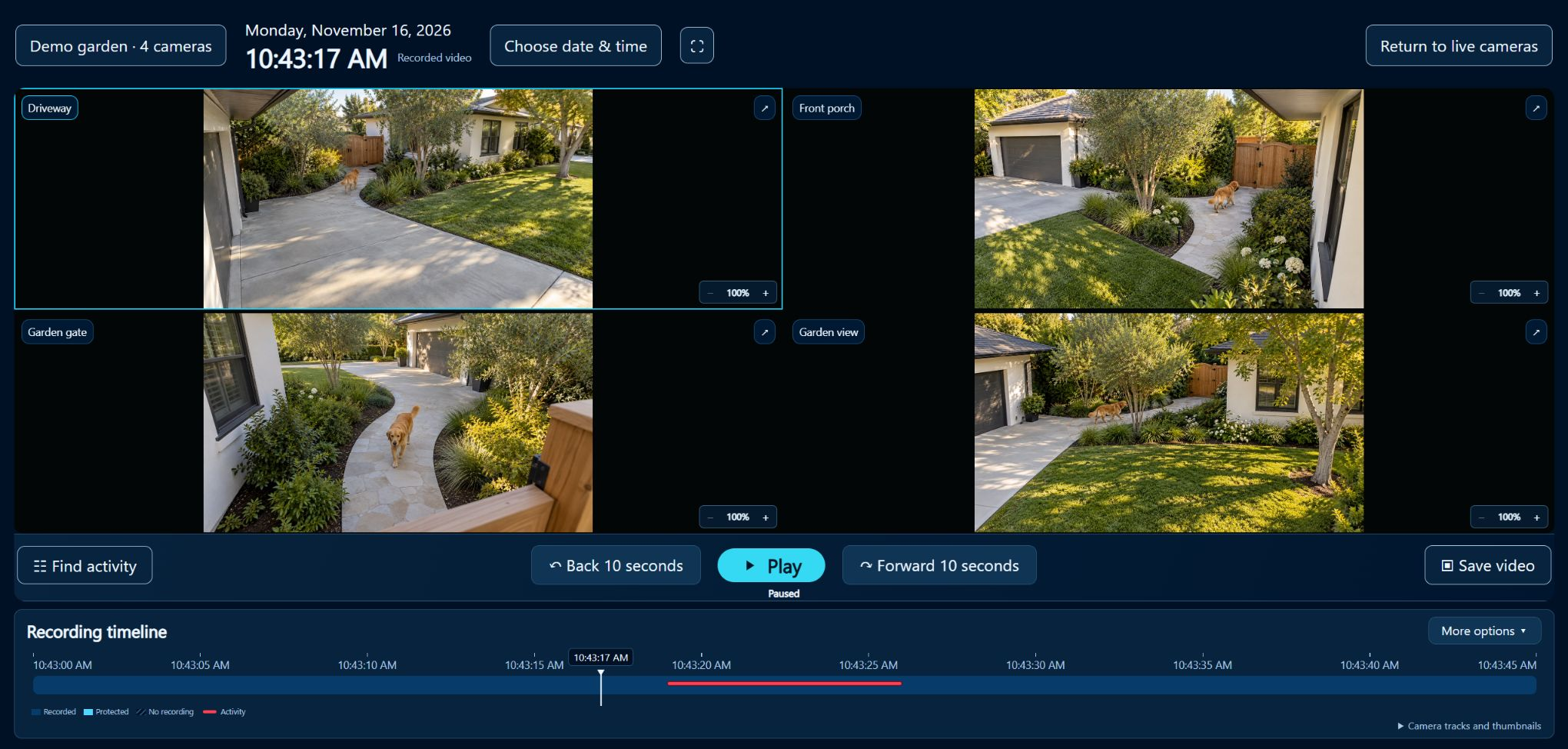
Bring every angle together.
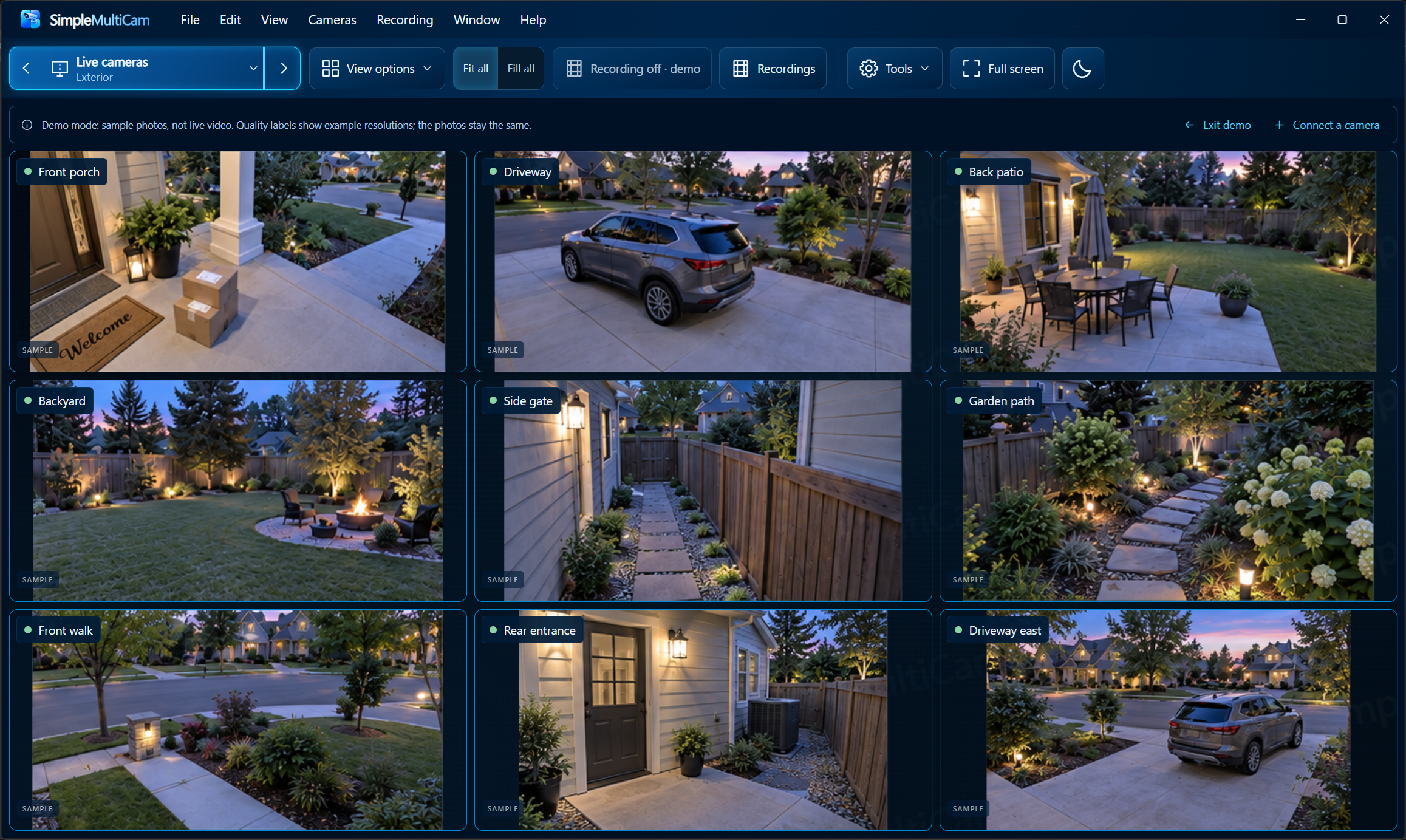
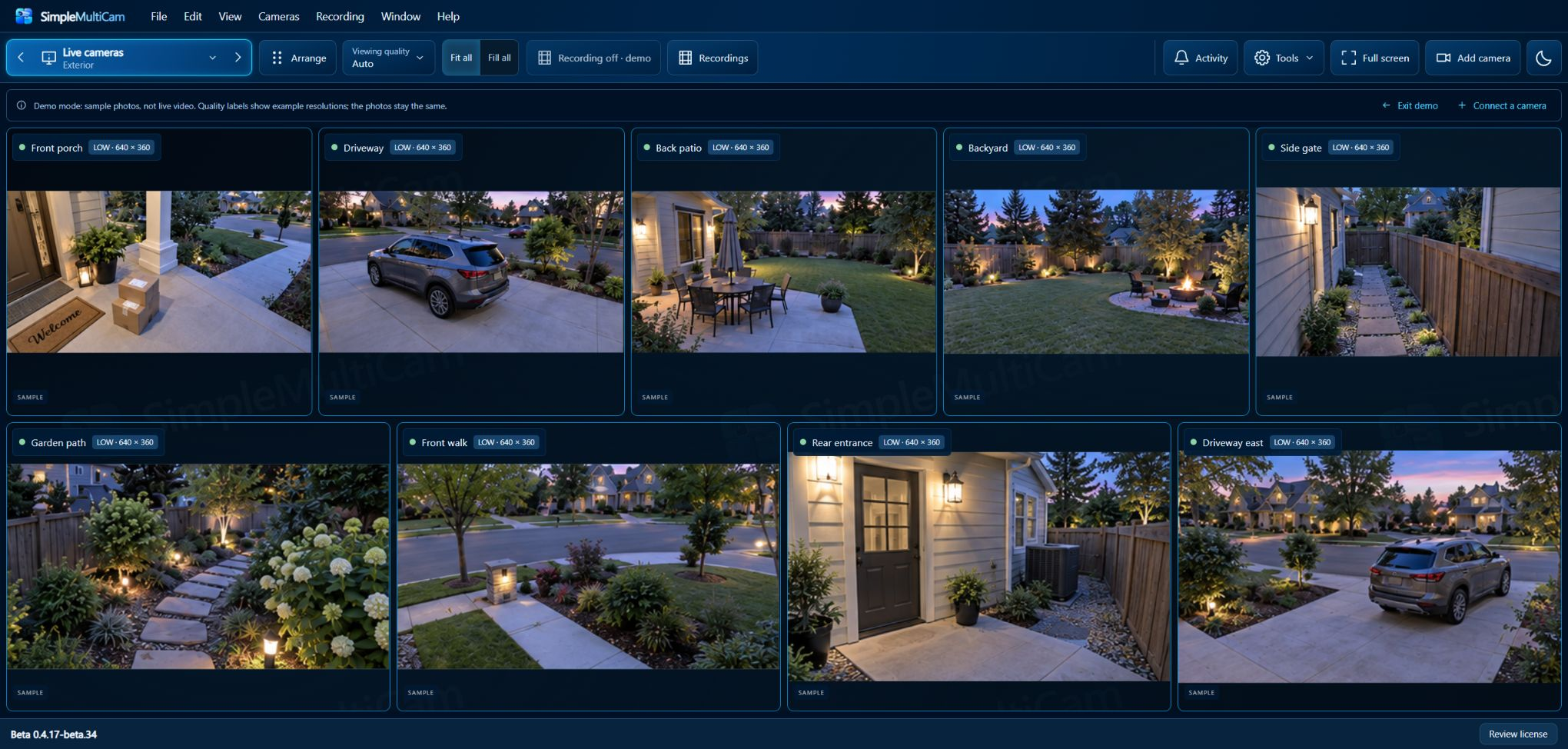
Arrange your cameras. The grid fits automatically. Save the views you use most.
 SimpleMultiCamby Stagewoven Technologies
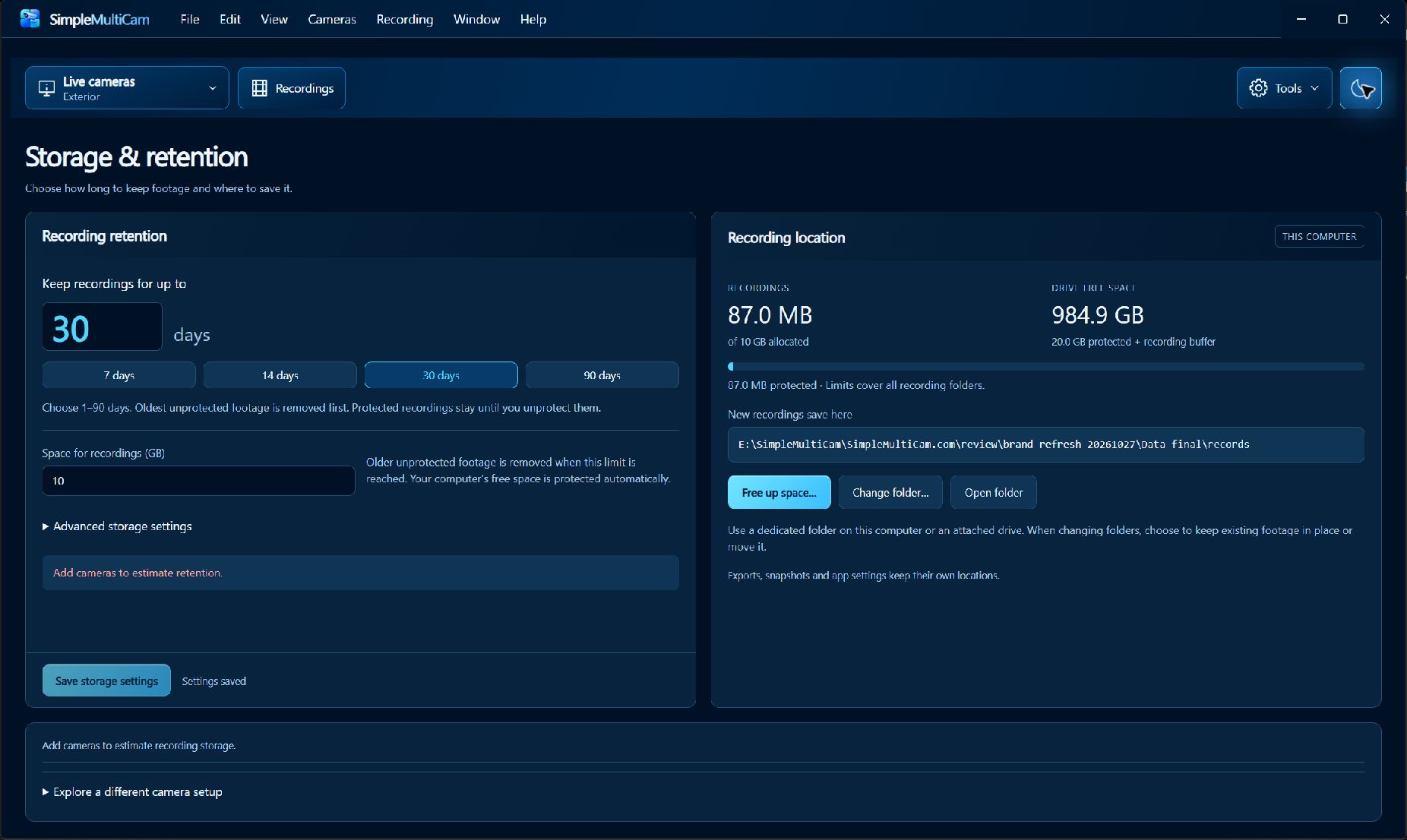
View. Record. Find activity.
Create a Multicam Clip.
View. Record. Find activity. Create a Multicam Clip.
 DrivewaySample preview
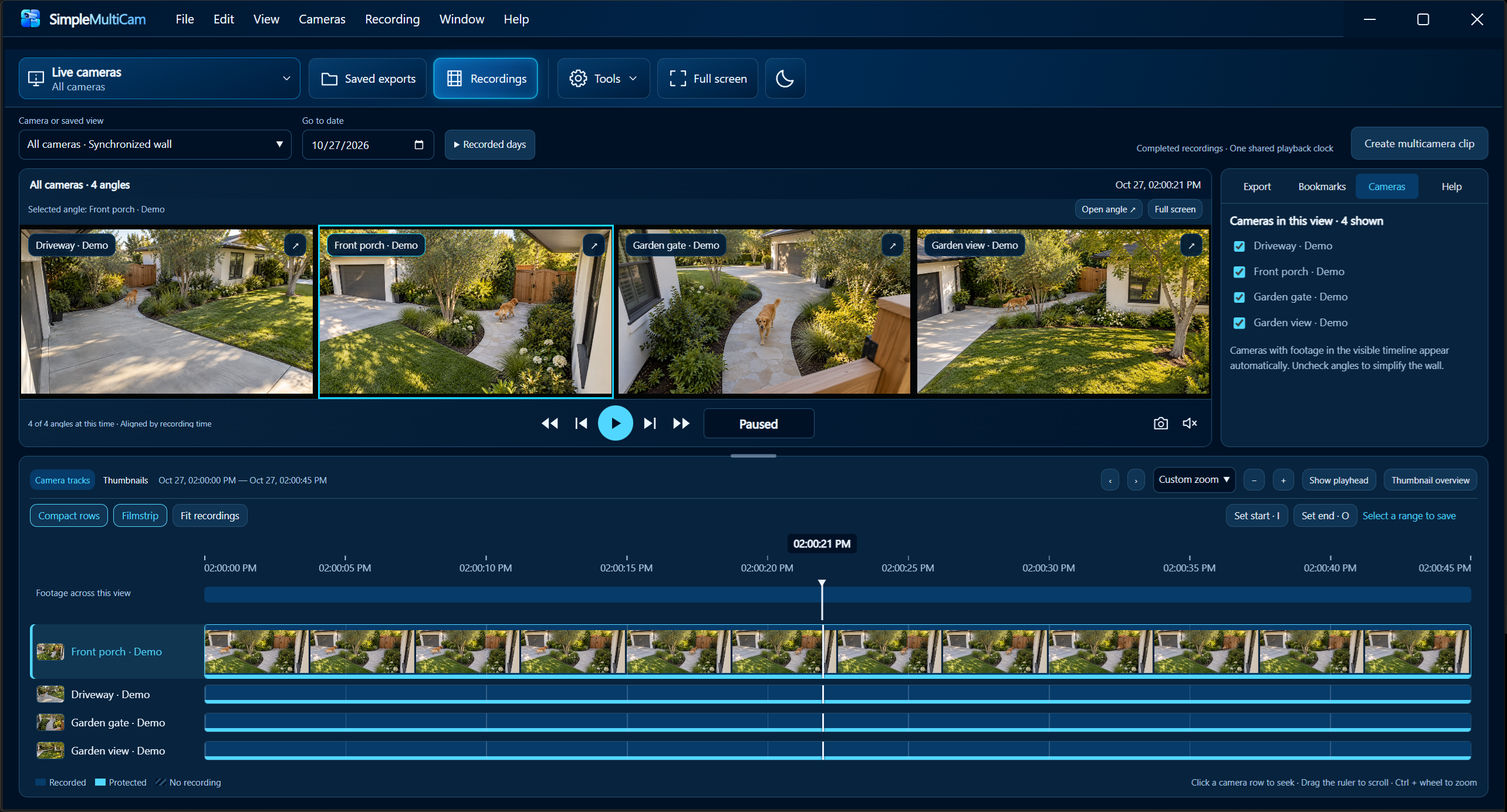
Screenshot preview. No playback or export runs here.
Interactive preview · Sample images
Bring compatible RTSP cameras into one customizable view.
Save optional recordings on your computer.
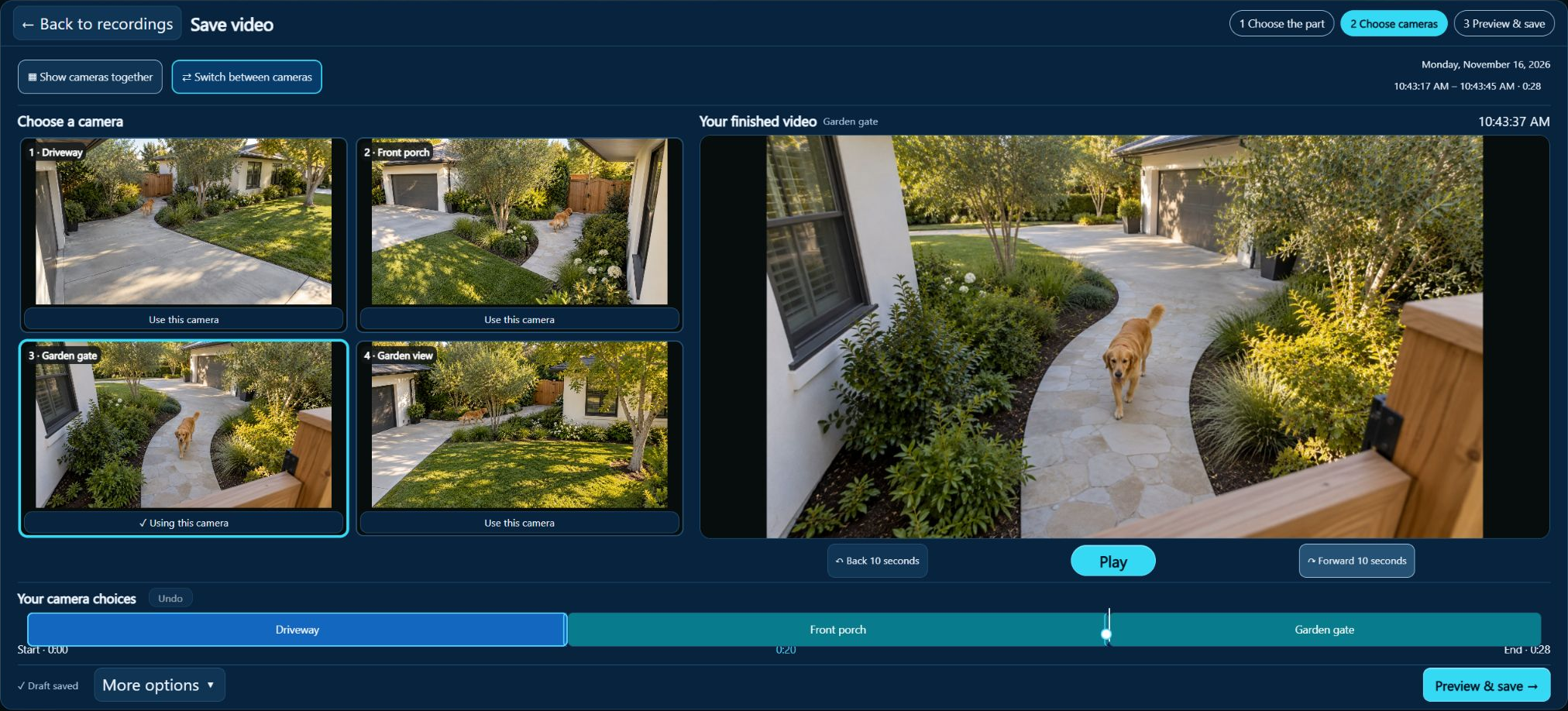
Bring multiple angles into a Multicam Clip.
Interactive sample preview · Try the arrows, Arrange, or a camera. Exterior · 9 cameras
Software screenshot — the controls inside this reference image are not interactive. Try the interactive recording and clip tour →
Built-in sample photos only. No camera connections or recording.
Choose a camera to focus. Exit full screen returns to Main view.
Multicam Clips
Find recorded activity, choose the useful part, and turn your camera angles into one finished video.
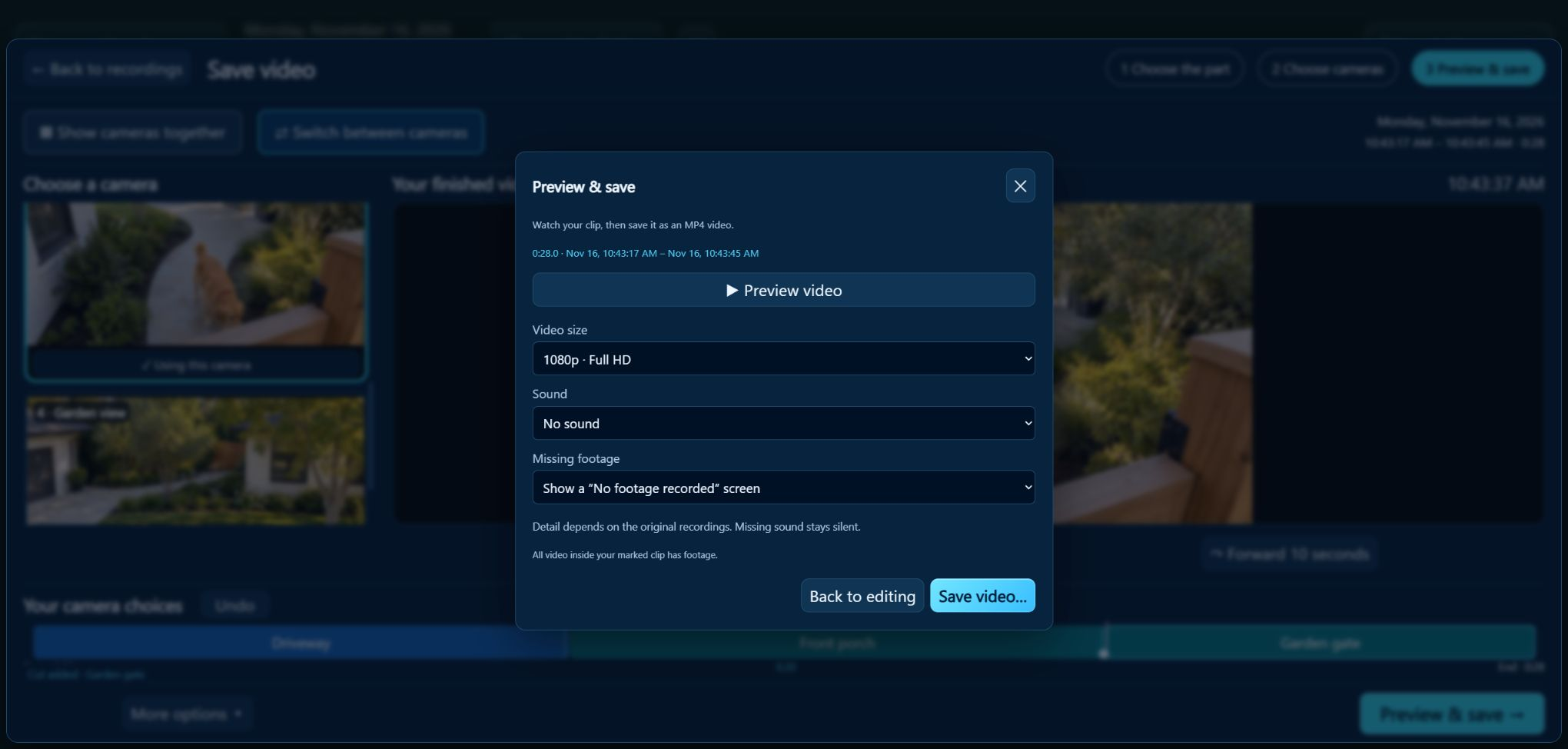
See your camera angles together as you edit. Choose Use this camera to build your story, then preview and save one MP4.
Open a date and time, find recorded activity, or step back ten seconds. Your selected view carries into Recordings.
Why SimpleMultiCam
Arrange your cameras. The grid fits automatically. Save the views you use most.
Optional recording. Your choice of drive.
Export the whole view or a single camera.
Keep your camera’s phone app for supported remote viewing. How they work together
Getting started
You need a Windows PC and compatible cameras on your local network.
Find out whether your model supports a usable RTSP stream.
Check compatibility →02Follow the guide to connect, arrange, and choose whether to record.
Read the setup guide →03Customer release pending. Review requirements and remaining checks.
See release status →Yes. Viewing and recording are separate choices. Explore optional recording.
Yes. Keep it awake with SimpleMultiCam running for live viewing and recording. Learn about background recording.
Customer downloads and purchases are not available yet. See what is ready and what is pending.
Built to grow. Shaped by you. Suggest a feature or check release status.
Questions or ideas? Email support.